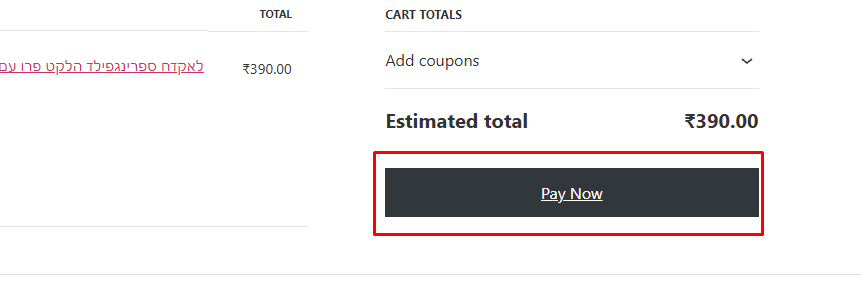
In WooCoomerce, When you click on “Add to cart” of specify product which you want to buy, it will redirect to cart page. In cart page you can see “Proceed to checkout” button at the bottom of the page. If you want to change “Proceed to Checkout” text in WooCommerce Cart page than here is code.
Add below line of code in your theme’s functions.php file of your active child theme (or theme) and save the file.
add_filter( 'woocommerce_proceed_to_checkout_text', 'my_custom_checkout_button_text' );
function my_custom_checkout_button_text( $text ) {
    return 'Pay Now'; // your custom text
}